Coming soon · iOS
Speak it, and it's recorded — then it quietly organizes itself
If you've missed days because writing takes too long — whenever your mouth is free, voice-journal keeps the record going.
Awaiting App Store review · this page will be updated at launch
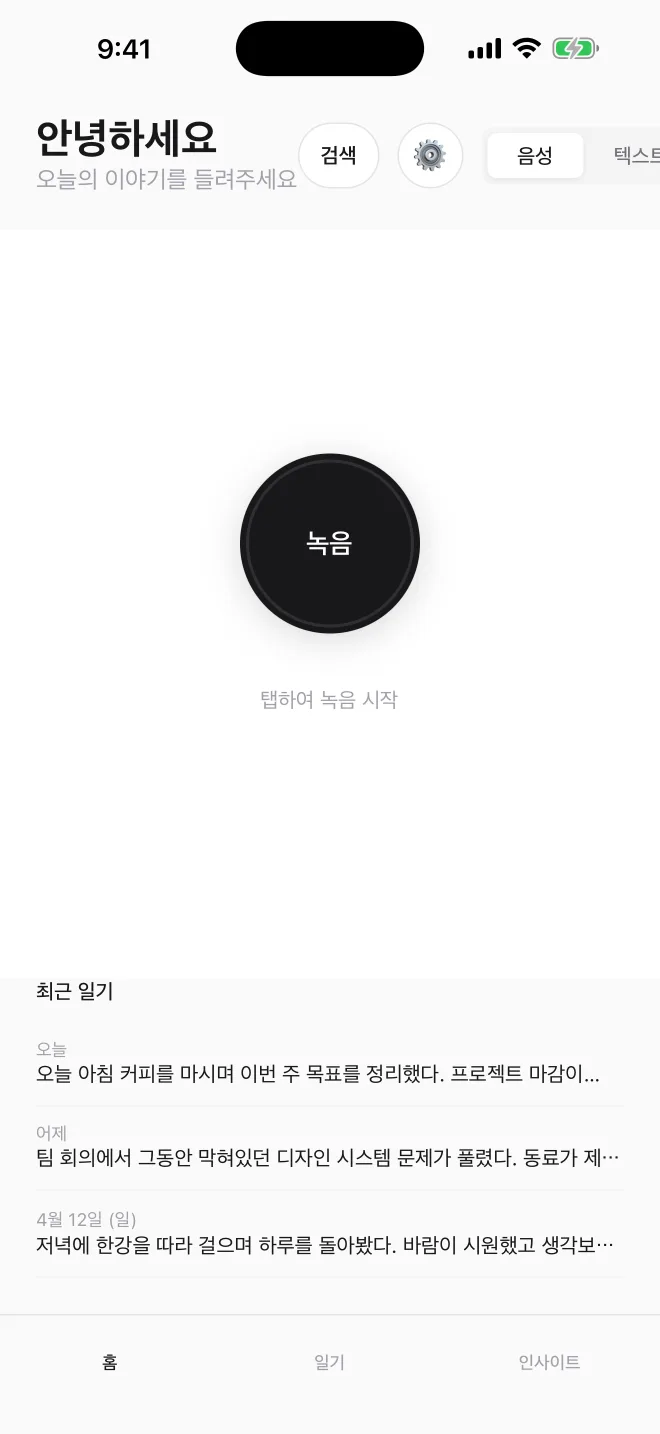
Three things
01
No keyboard required
Talk through your day — transcription and cleanup happen on-device. A journal for the hours when your hands are busy.
02
Adaptive AI reading
Remembers the arc of your week, month, year, and quietly surfaces recurring themes without forcing a summary.
03
Your data stays yours
Encrypted in transit and at rest, never sold, used only for the processing the analysis needs. View, export, or delete it yourself from inside the app.
Screens
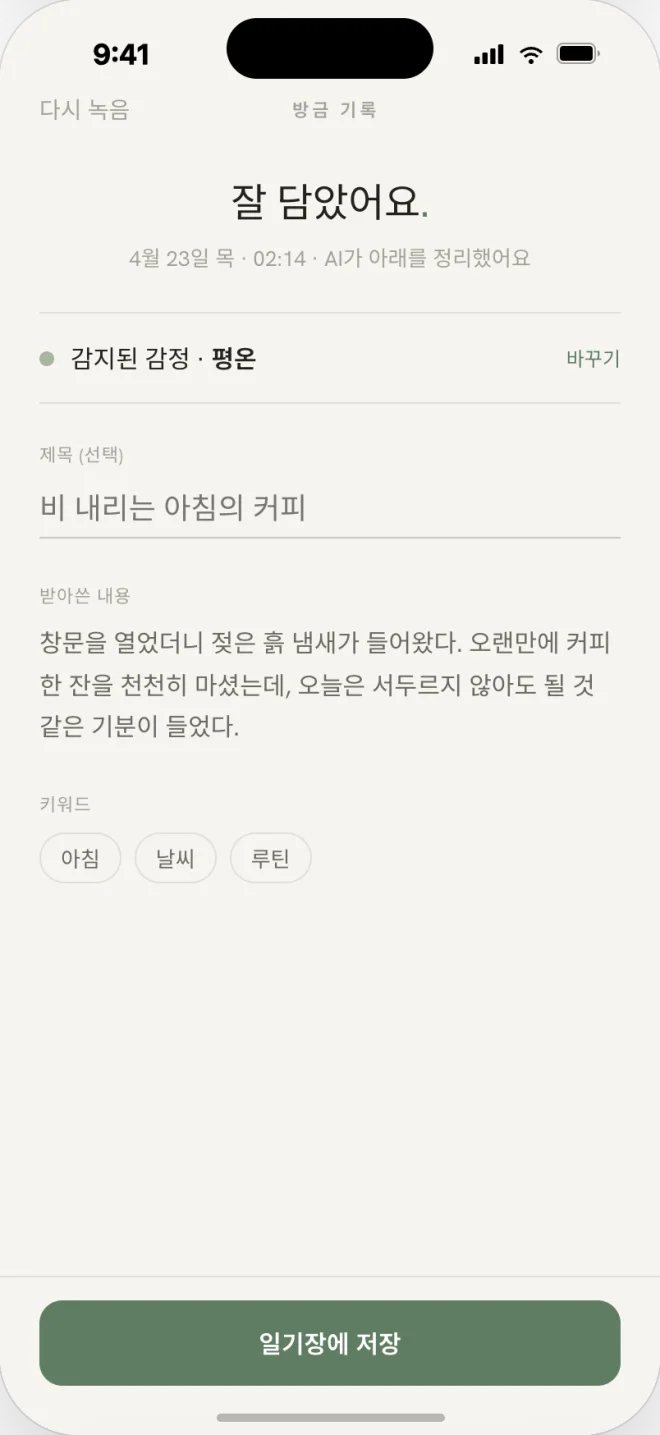
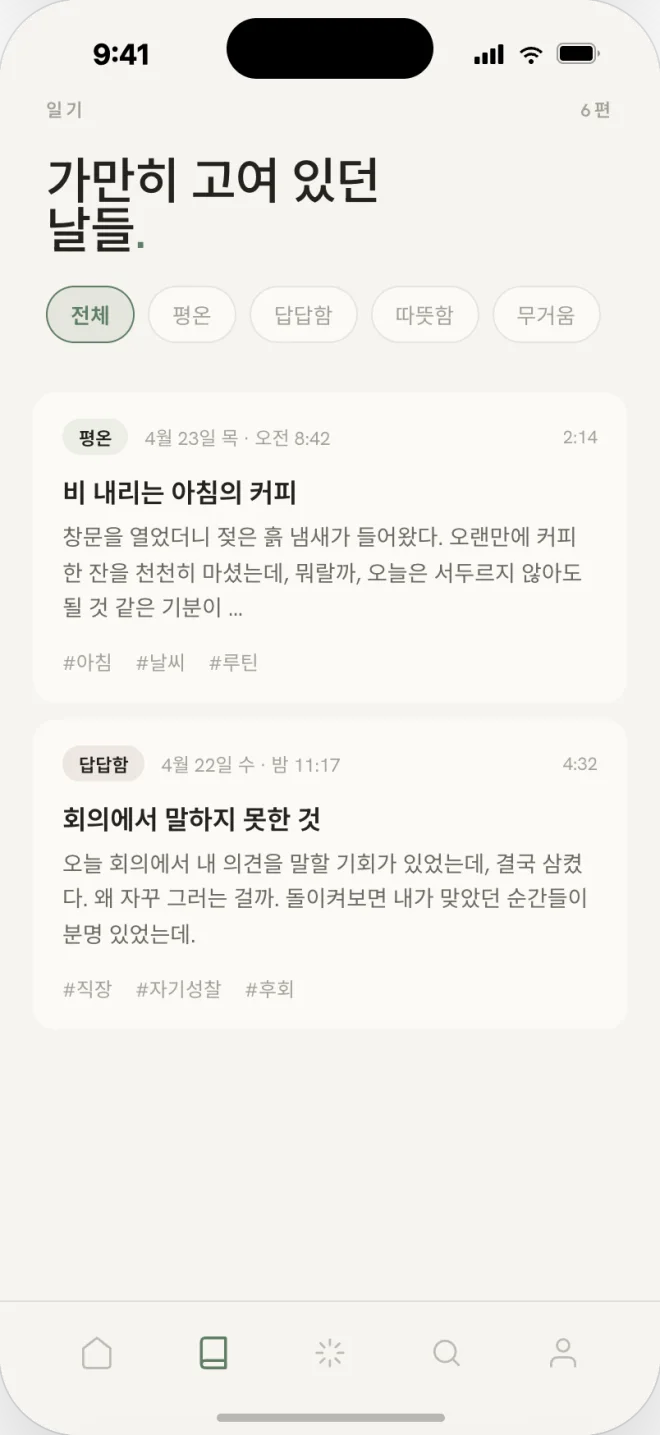
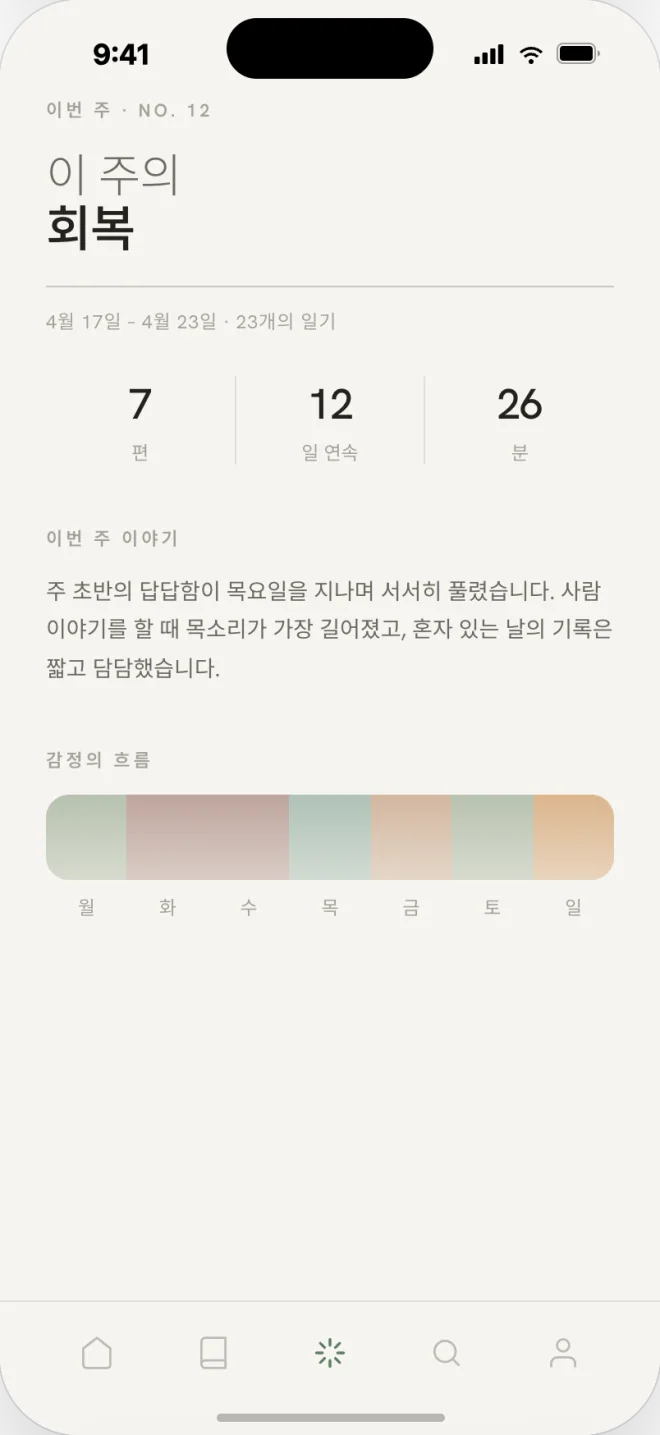
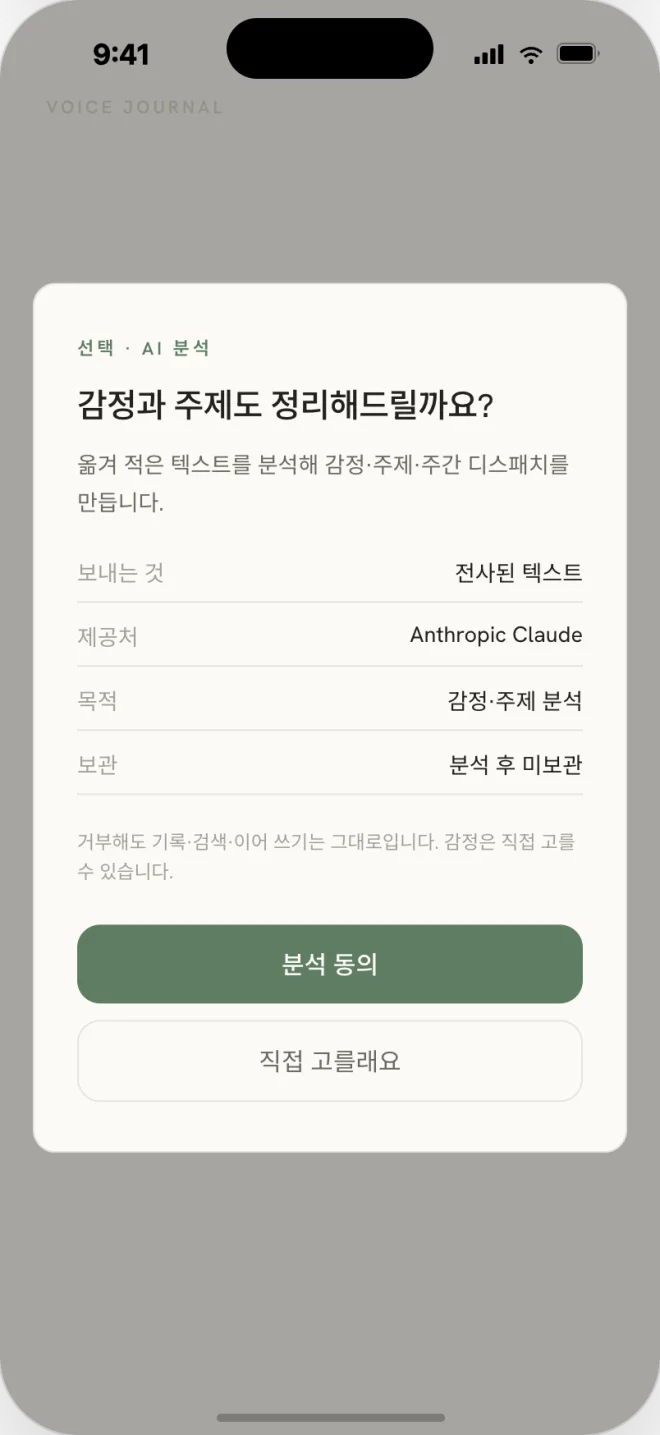
Data & pricing
No in-app purchases
No ads, no payments. But recordings and text do pass through external processing servers for transcription and analysis — laid out plainly below.
| Personal data | Yes — voice, transcripts, AI analysis, account info |
| On-device | App settings · Login session |
| Third-party | Firebase (authentication, database, file storage, hosting; Seoul region) · OpenAI (voice transcription and AI analysis) · Anthropic (AI sentiment analysis) · Google Gemini (AI sentiment analysis) · Google (Google sign-in, Google Sheets export) |
| Ads · payments | None |
FAQ
Are my recordings sent to a server?
Yes. For transcription and AI analysis, recordings and text are sent over encrypted connections to a processing service (OpenAI) and storage (Firebase). Data is never sold and is used only to provide the analysis.
Can I back up or delete my journals?
You can export them yourself from inside the app, and account-data deletion is honored on request. Contact the operator listed below.